Resources
Bottega
The workshop notebook turned into a program: records for instruments, finishes and invoices, a dated journal and full-text search, all local on your machine.
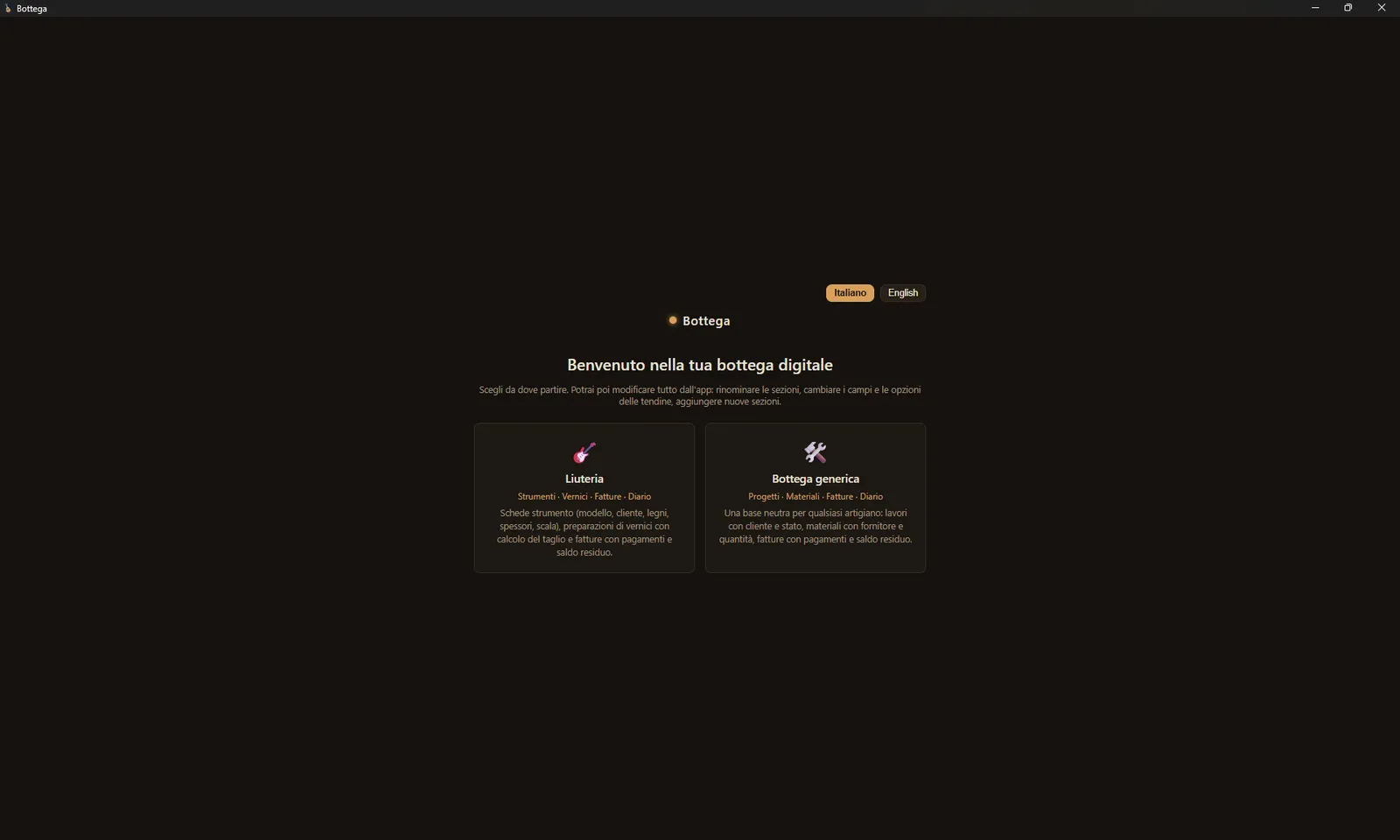
Bottega is the workshop notebook, turned into a program. It comes from a plain problem: the notes for an instrument end up scattered across paper, photos on your phone, PDF quotes and invoices, and folders you can't find a year later. I wanted one place for all of it — measurements, woods, finishes, dates, documents — and a way back to it without digging. Bottega is that place. It runs locally, on your machine; the data stays yours and goes nowhere.
Work is organised in sections. The luthier setup has Instruments, Finishes, Invoices & payments, and a dated Journal; sections and their fields are edited from the app, so if you build guitars, mandolins or furniture you set it up your own way. Each record holds its own fields — model, client, top wood, thicknesses, scale — and its own journal, where you note what you did day by day. Records link to each other: a finish knows which instruments you used it on, an invoice knows which instrument it belongs to. Where it helps, the program does the sums: the shellac cut in grams per 100 ml, the balance still owed on an invoice.
Documents attach to the record. You can link a disk folder to an instrument: the photos, PDFs and files you drop in there enter the record on their own, and one button refreshes it when you add more. PDF text is read and indexed, so search doesn't stop at the file name: it looks inside quotes and invoices. Search is full-text across everything — titles, fields, journal, attachments — and you call it up from anywhere with Ctrl+K.
An assistant queries your own archive in plain language: you ask which instruments are in progress, how much a client still owes, to show the photos of a given tenor, and it answers from your data — with links to the records and the images, without making things up. Its answers start from your real sections, not a fixed template, so it fits the trade you work in. On invoices it does a bit more: it reads the attached PDF and proposes price, date and payments to record; you enter them only after you've checked them. The assistant uses your own Anthropic key, and it's the only part that talks to the outside — the questions you ask, when you ask them.
What sets it apart
- Local and private. Everything stays on your machine. No cloud, no subscription to run the app; the only thing that leaves is the questions you put to the assistant.
- Built by a luthier. The sections, fields and calculations come from real bench work, not a generic business tool bent to fit.
- Yours to shape. Sections and fields are edited from the app: luthier setup out of the box, or a blank sheet for another trade.
- Portable. A single Windows executable, no install. The data sits next to the program: to back up, you copy a folder.
- Documents inside the work. Linked folders, searchable PDF text, photos in the record.
It isn't a management suite and doesn't want to be. It's the workshop notebook, kept in order.
Payment and download handled by Payhip.